
Building a Resilient Backup Mac Architecture.

A comprehensive walk-through for configuring automated protection tasks. We move beyond simple copying to establish a verified, versioned archive of your professional workspace.

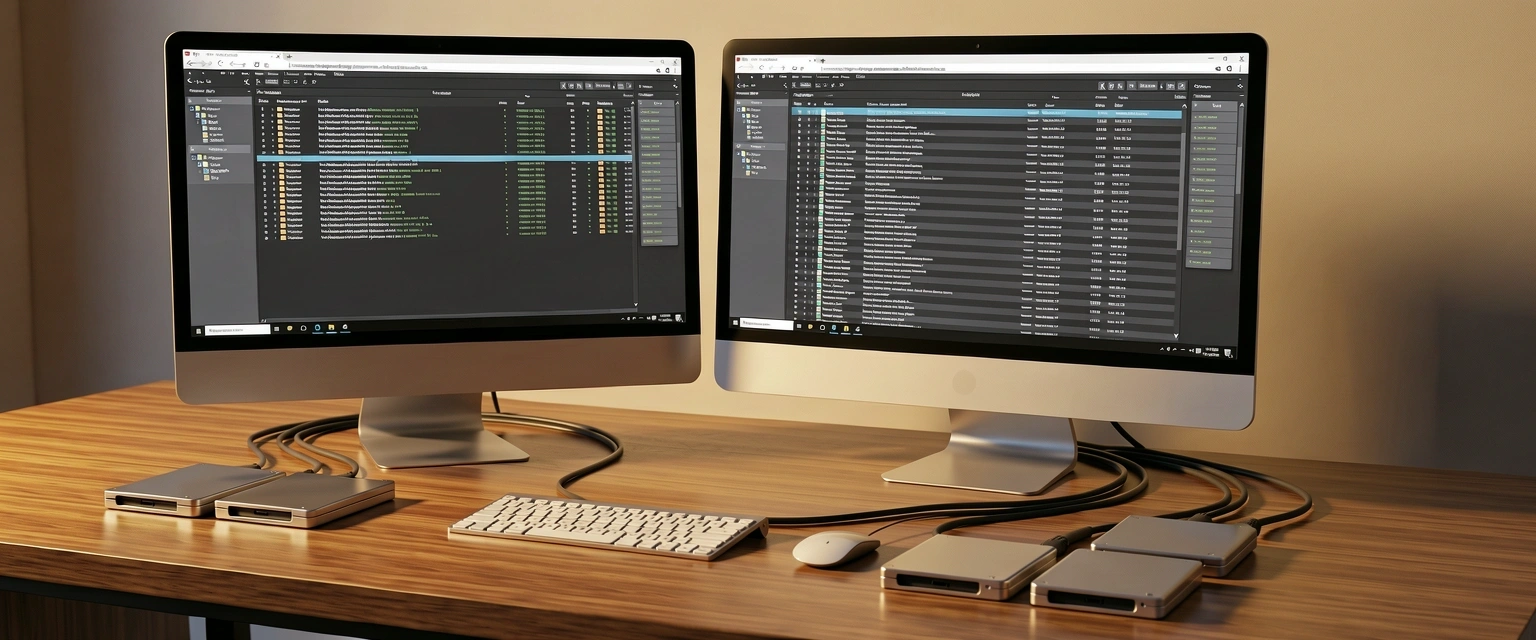
Professional Mac backup workstation with external drives

Phase 01:
Source & Target Readiness

Before launching your carbon copy cloner task, verifying the integrity of your environment is paramount. A backup mac strategy is only as strong as the file system it relies upon.

Requirement A

Ensure your destination drive is formatted as APFS or HFS+ Journaled, depending on your OS version. Avoid any case-sensitive formats unless specifically required by your project workflow.

Requirement B

Allocate at least 25% more space on your target drive than is currently occupied on your source drive to allow for safety nets and versioned file archiving.

The Pre-Flight Checklist

Task Logic & Filtering

Selecting what to exclude is just as important as what you include. Proper filtering reduces task duration and prevents the accumulation of temporary system junk.

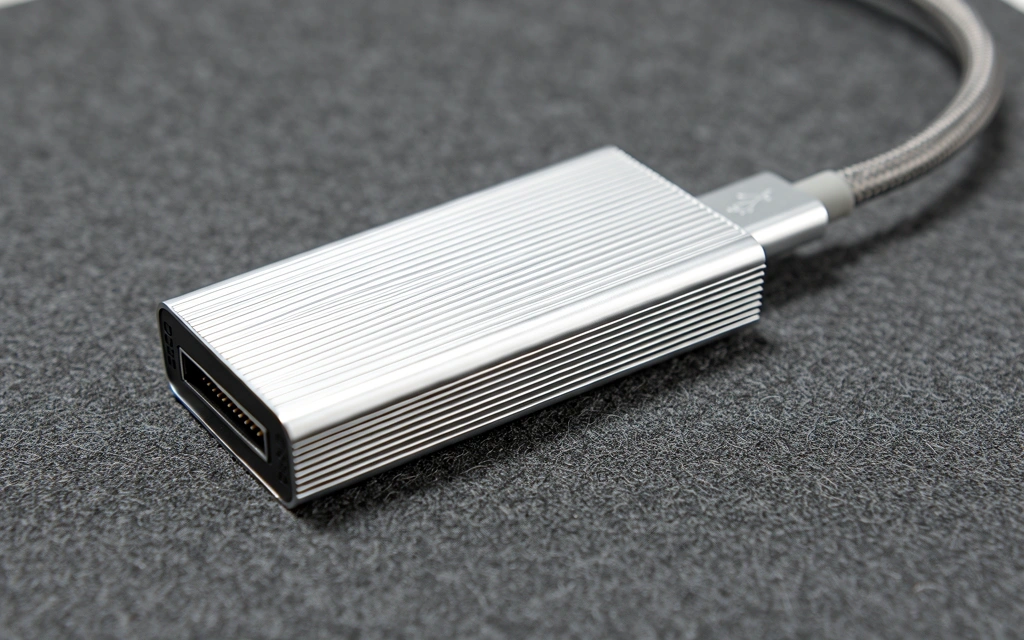
External NVMe storage drive for data cloning

Initial Synthesis

Open your carbon copy cloner interface and select "New Task". Name it "Daily System Mirror". Drag your system volume to the source and your dedicated external drive to the destination. This primary link forms the foundation of your recovery strategy.

Automation Scheduling

Navigate to the schedule settings. We recommend an hourly trigger for active projects and a daily trigger for the full system. Use the "Run when source or destination is reappeared" feature to ensure backups occur the moment you plug in your portable storage.

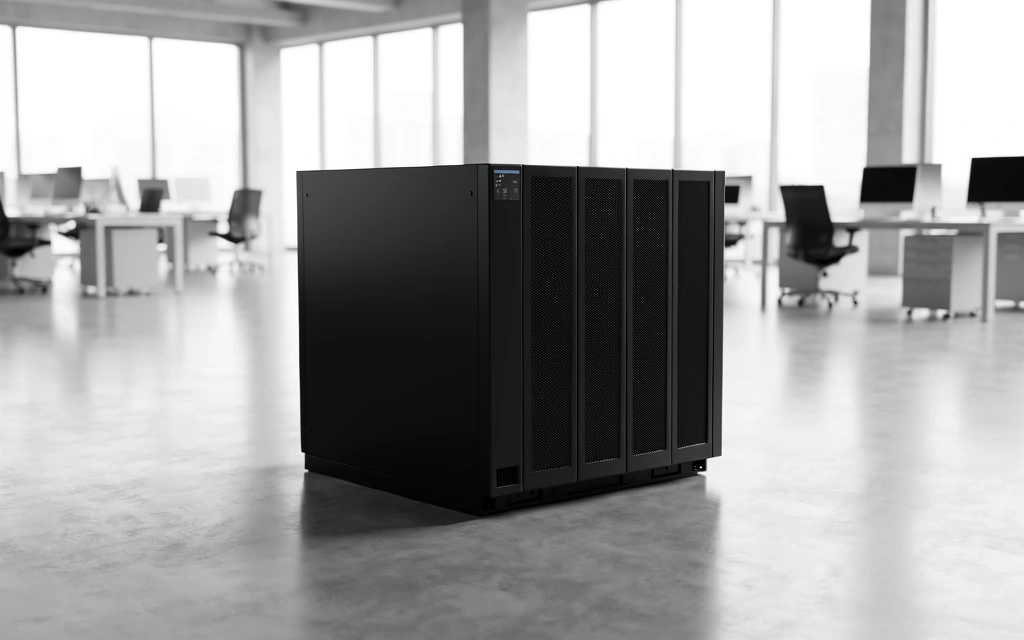
Uninterruptible power supply protecting data integrity

The Verification Protocol

Creating a backup mac volume is only the beginning. True data safety is found in the verification. Our guide emphasizes checking the validity of every bit written during the task.

Checksum Verification

Forces the utility to re-read files from both source and destination to ensure absolute parity.

Snapshot Management

Utilizes file system snapshots to provide point-in-time recovery for localized file deletions.

Integrity Standard

99%

Redundancy target for mission-critical creative assets.

Step-by-Step Task Refinement

Need Assistance with your Implementation?

Our team is available to help refine your task triggers and hardware selections. Let's ensure your workspace remains protected against any hardware failure.

Carbon Copy Cloner is a trademark of Bombich Software, Inc. Bombachmac is an independent guide and educational resource.

Support Hours: Mon-Fri: 9:00-18:00 | San Francisco, CA