
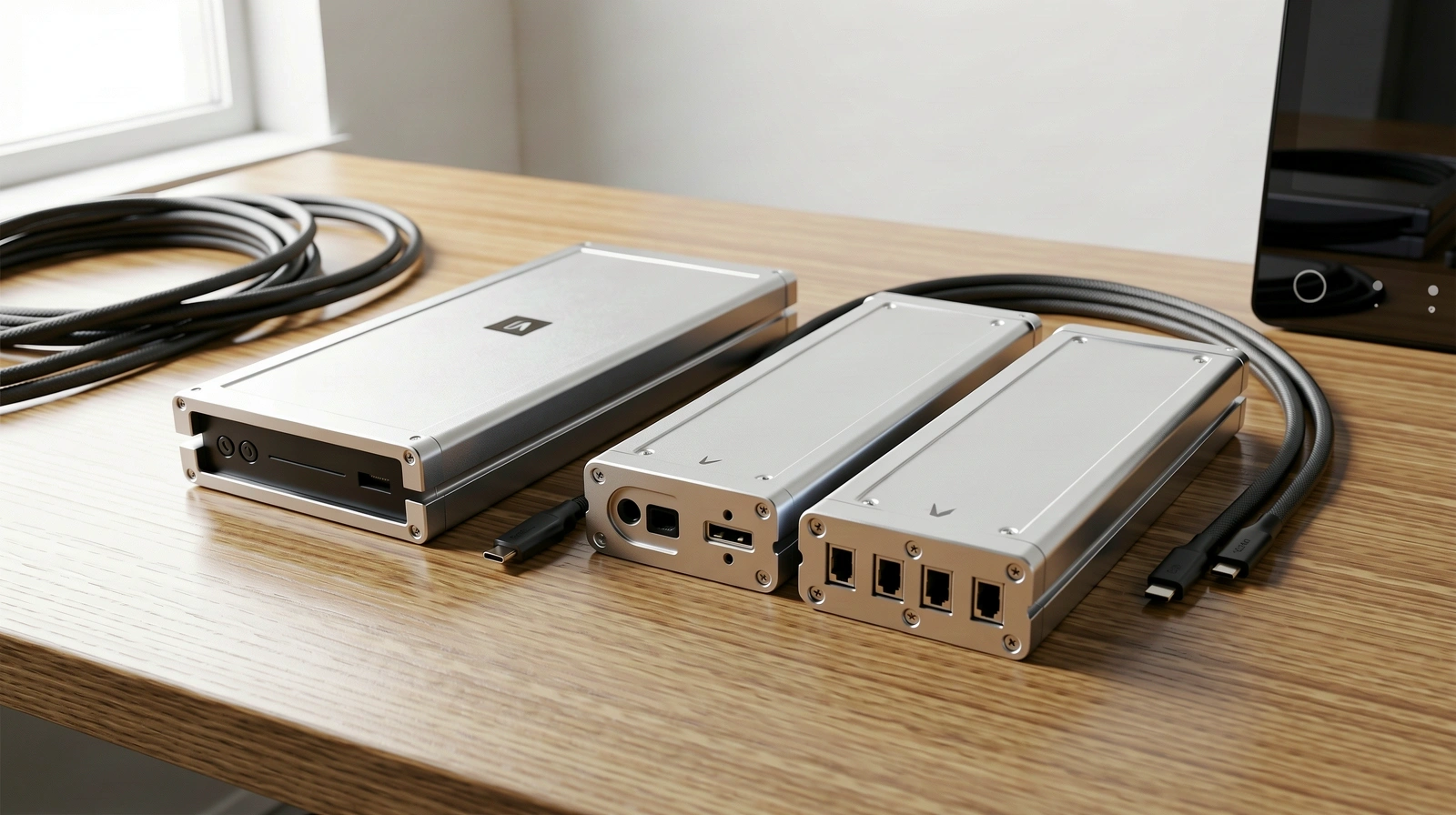
The Physical Foundation of a Reliable Clone.
A robust backup mac strategy is only as strong as the disk it lives on. We examine the essential criteria for selecting drives compatible with carbon copy cloner to ensure your data remains accessible when the primary system fails.
Thunderbolt vs. USB 3.2: Speed is Not Optional
For deep system integrity, the pipe between your machine and your storage must be capable of sustained high-velocity data transfer. While USB-C connectors are ubiquitous, the internal protocol determines how your backup mac handles small file operations—the bottleneck of any bootable clone.
Thunderbolt 3/4
The gold standard for external NVMe enclosures, providing direct PCIe access for maximum IOPS during complex cloning tasks.
USB 3.2 Gen 2
Excellent for daily incremental updates, though slightly slower for the initial massive block-level data movement.
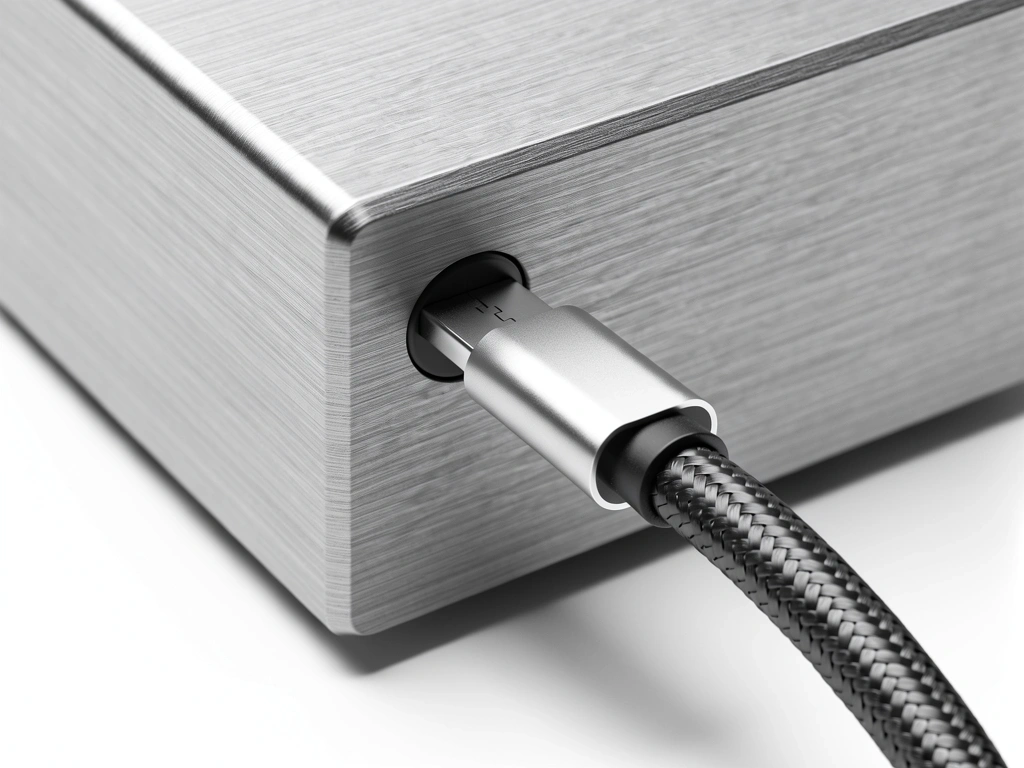
Selecting Your Media
"Mechanical drives are for archives; Solid State is for protection."
NVMe SSDs
Required for modern APFS-formatted volumes. An NVMe SSD provides the responsiveness needed if you ever have to run your workspace directly from the backup drive.
Highly RecommendedSATA SSDs
A cost-effective balance for secondary data volumes. While slower than NVMe, they remain reliable for standard file-level protection via a guide-driven approach.
Sustainable ValueMechanical HDDs
Only suitable for massive, cold storage archives. We do not recommend rotating platters for active carbon copy cloner tasks due to high latency during checksum verification.
Archive OnlyDeployment Essentials
Before committing to a hardware purchase, verify your choice against these professional standards. This guide ensures that your physical assets match the power of your logic.
APFS Compatibility
The Apple File System requires low-latency media. Always ensure the controller inside your external enclosure is modern enough to handle APFS snapshots effectively.
Thermal Throttling Prevention
High-speed cloning generates significant heat. Choose aluminum enclosures with thermal pads to prevent speed drops during massive 1TB+ transfers.
UASP Support
USB Attached SCSI Protocol is a must for any USB-based drive. It allows for multiple simultaneous commands, which is vital for the thousands of tiny files in a system folder.
Power Delivery Range
Bus-powered drives are convenient, but high-performance NVMe sticks can occasionally exceed the power provided by a single port. Consider powered hubs for multi-drive arrays.
Hardware Selection Matrix
| Drive Category | Best Use Case | Clone Reliability |
|---|---|---|
| Portable SSD (Rugged) | Field work and travel backups. | EXCELLENT |
| Desktop RAID Array | Large media libraries and creative projects. | EXCELLENT |
| Generic Thumb Drives | Simple document transfers only. | NOT SUITABLE |
| NAS (Network Attached) | Silent, background file history. | MODERATE |
Ready to build your vault?
Once you have selected your hardware, it is time to configure the logic. Follow our step-by-step instructions to initialize your carbon copy cloner tasks.